Free tool · Strength slider · Runs in your browser
Blur the background of a photo
Short answer
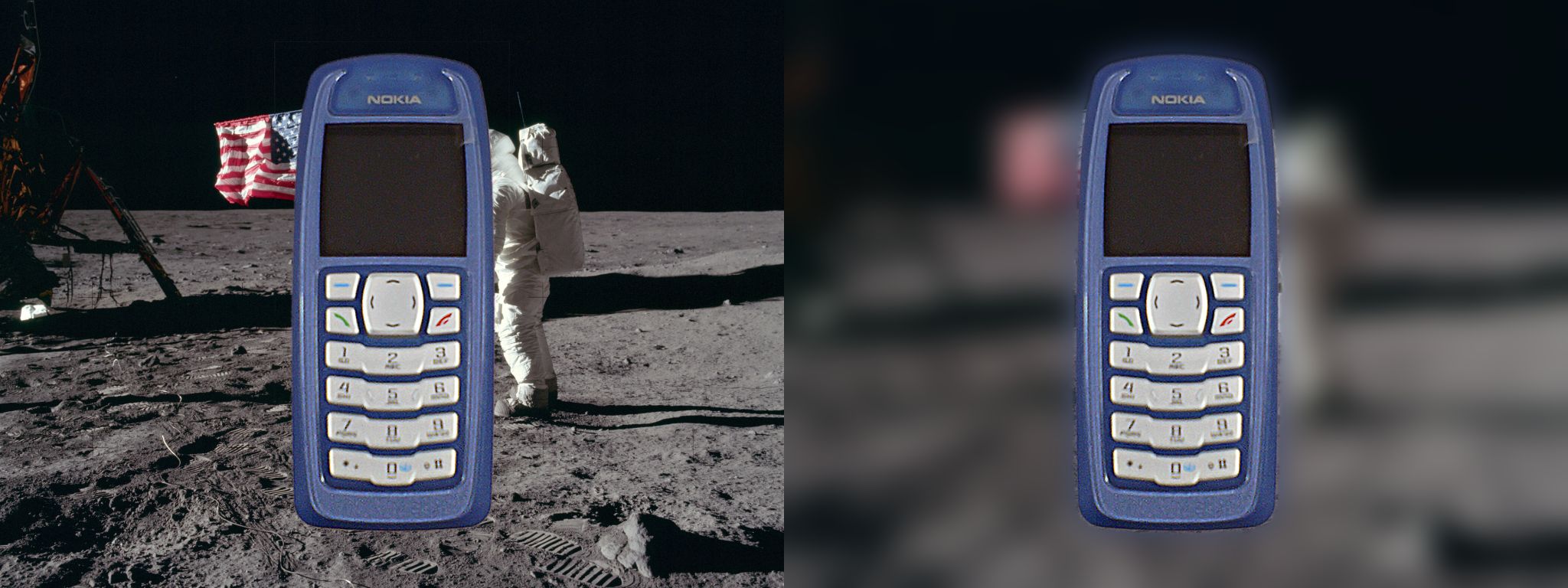
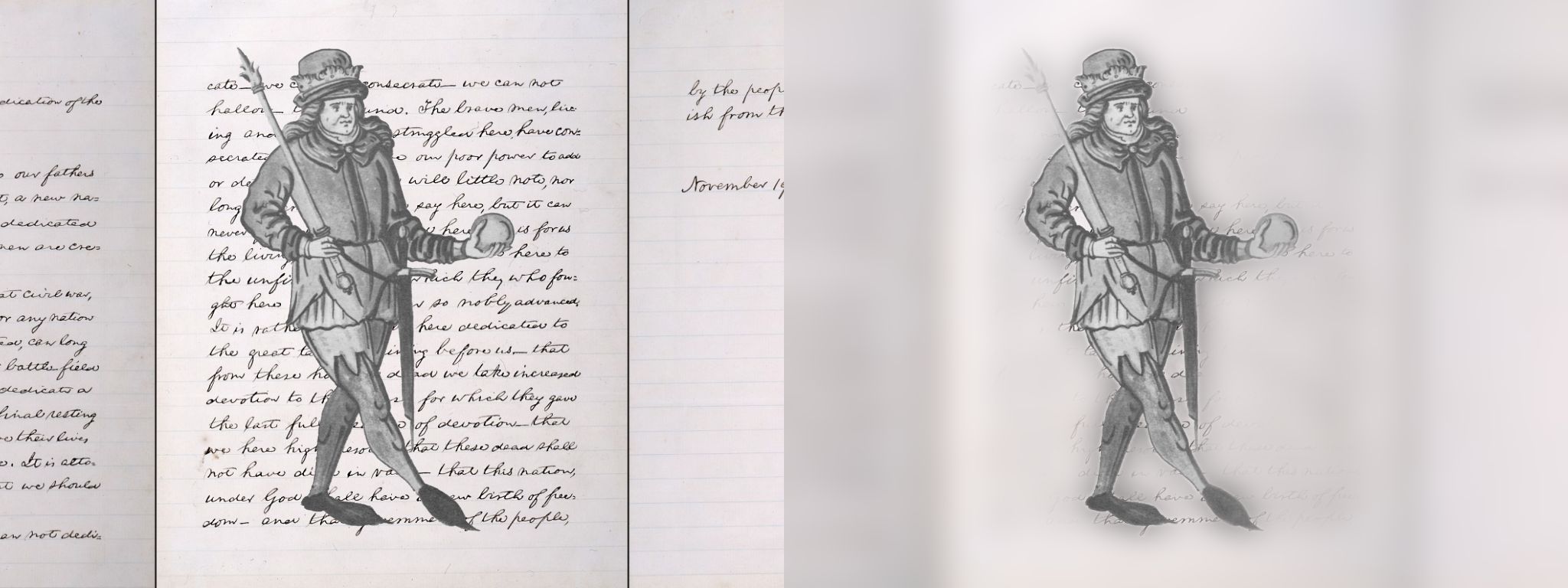
Choose a photo and the tool finds the main subject, blurs everything else and lets you set the strength with a slider, all in your browser with no upload. In our tests on 48 composites, the blurred background kept about 1.2% of its fine detail on a busy photograph and 0.2% on a page of handwriting, and with a perfect mask the subject changed by 0 levels out of 255 in 192 cases. When the background holds a large subject of its own, the tool keeps that sharp too, and the background kept 34% of its detail.
Nothing is uploaded: the model runs in your browser. Move the slider to change the blur; the subject stays sharp.
Examples
Key takeaways
- The blur is real: with the model's mask, the fine detail left in the background (variance of the Laplacian, a standard sharpness measure) fell to 1.2% of the original on a busy photograph and 0.2% on handwriting, in the typical case.
- The subject is not touched: using the true outline from our cutouts, the largest change to any subject pixel was 0 out of 255 in all 192 cases. Only the mask can go wrong, not the blur.
- With the model's own mask, 95% of the subject's pixels on a busy photograph and 93% on handwriting were left untouched; the rest are at the outline, where the blur blends in.
- It fails like the background remover does: when the background has another large subject (a portrait photograph), the model kept it sharp, and the background kept 34% of its detail.
- On a 3840 × 3877 photo (15 megapixels) the model took 1.8 s and each change of the slider 0.8 to 0.9 s, on a desktop browser.
Measured: how much blur you get
Measured in headless Chromium with the tool's own code. 16 public domain or CC0 cutouts with known outlines were placed on three photographs at 1024 × 768 (the same set as for the background remover), blurred at four strengths, and the sharpness of the background was compared before and after. Sharpness is the variance of the Laplacian over background pixels at least 6 px from the subject: it is high for crisp detail and close to zero for a smooth area. The figures are medians over the cutouts with the model's mask.
| Background | Strength | Blur radius at 1024 px | Background detail left | Subject untouched |
|---|---|---|---|---|
| A busy photograph | 10% | 5 px | 1.2% | 98% |
| A busy photograph | 30% | 15 px | 1.2% | 97% |
| A busy photograph | 80% | 41 px | 1.2% | 95% |
| A page of handwriting | 10% | 5 px | 0.2% | 95% |
| A page of handwriting | 30% | 15 px | 0.2% | 94% |
| A page of handwriting | 80% | 41 px | 0.2% | 93% |
| A photograph with its own large subject | 10% | 5 px | 33.5% | 97% |
| A photograph with its own large subject | 30% | 15 px | 33.5% | 93% |
| A photograph with its own large subject | 80% | 41 px | 33.5% | 91% |
The detail left barely changes with the strength because even a small blur removes nearly all fine detail from a background; the strength sets how smooth and how wide the blur looks. The third background is the failure case: the model kept the large face in the background sharp, so a third of its detail stayed.
How strength maps to pixels
Strength 100 blurs with a radius of 5% of the picture's longer side, so the same setting looks the same on a thumbnail and on a full photo.
| Strength | On a 1024 px picture | On a 4000 px photo |
|---|---|---|
| 10% | 5 px | 20 px |
| 30% | 15 px | 60 px |
| 40% | 20 px | 80 px |
| 50% | 26 px | 100 px |
| 80% | 41 px | 160 px |
| 100% | 51 px | 200 px |
Measured: how long it takes
| Step | 3840 × 3877 photo |
|---|---|
| Finding the subject (model) | 1.8 s |
| Blur and compose at strength 10% | 0.9 s |
| Blur and compose at strength 40% | 0.8 s |
| Blur and compose at strength 80% | 0.9 s |
The model runs once per photo. After that the slider only repeats the blur step. The blur is computed on a copy of at most 1024 px on the longer side, because a blurred background has no fine detail to keep, and is scaled up to the photo.
When it works and when it does not
- Works well: one clear subject, such as a product, a person or a pet, against a different background.
- Handwriting, foliage and other fine patterns right next to the subject leave faint traces at the outline.
- Fails: a second large subject in the background, which the model keeps sharp. Crop it out first.
- Soft, fine edges such as hair blend into the blur, which is usually what a portrait mode photo looks like.
- The subject is whatever the model finds most prominent; if it picks the wrong thing, crop closer to the one you want.
Free tools:Remove the background from an imageRemove the background from a product photoCompress an imageCompress an image to a target size
Why not a phone's portrait mode?
Portrait modes on phones use depth data from the camera, which a saved photo no longer has. This tool works from the picture alone: it decides what the subject is and blurs the rest evenly. A real lens blur grows with distance; this blur is the same everywhere outside the subject, so it looks like a clean studio backdrop rather than a long lens.
What is under the hood
The subject mask comes from U²-Net-P, a small salient object segmentation model under the Apache-2.0 license, run in your browser with ONNX Runtime Web. The tool blurs the picture with three box blur passes in each direction, which approximate a Gaussian, and puts the sharp subject back through the mask. The blur is computed in code rather than with the canvas filter property so that it works in every browser. Nothing leaves your device.
Questions people ask
How do I blur the background of a photo?
Choose the photo above, wait for the subject to be found, and move the slider. Download the JPG or the PNG.
Is my photo uploaded?
No. The model and the blur run in your browser.
Can I choose what stays sharp?
The tool keeps the most prominent subject. To change what that is, crop the photo closer to the subject you want.
How strong can the blur be?
Up to a radius of 5% of the longer side of the photo, which is 200 px on a 4000 px photo.
Why is there a halo around my subject?
The mask is soft at the outline. Fine patterns next to it can leave faint traces; a plain background gives the cleanest edge.
Does it work on a phone?
Yes, in the browser. It is slower than on a desktop. The model is about 19 MB to download once per visit, together with its runtime.
Does it work on video?
Not yet. It handles single photos.
Can I blur a face instead?
This tool blurs the background and keeps the subject sharp. For blurring a face, the opposite is needed.
Related
Sources and how we checked
- U-2-Net (xuebinqin/U-2-Net) on GitHub: Apache-2.0 license (read 2026-10-09)
- ONNX Runtime Web (npm): MIT license (read 2026-10-09)
- MDN: CanvasRenderingContext2D.filter (not used here; the blur is computed in code so it works in every browser) (read 2026-10-09)
Reviewed October 9, 2026. The measurements ran the tool's own code in headless Chromium on cutouts with known outlines. The script and the results are in data/seo/hub/evidence/2026-10-09/blur.