Free subtitle generator: SRT and VTT from any video
Drop a video. Whisper transcribes it on your device, splits the text into two-line cues with timings, and gives you SRT and VTT files to upload with the video.
Public-domain LibriVox recording. Load it, then press Transcribe to try the full tool.
First use downloads the speech model and engine (about 97 MB, of which 72.5 MB is the model); later visits load it from your browser cache. Runs on your CPU; nothing is uploaded. Up to 100 MB and 2 hours per file; under 30 minutes is the comfortable range on a laptop.
To generate subtitles for free, drop your video above: Whisper transcribes it in your browser, you fix any wrong words, and you download an SRT or VTT file. Cues use two lines of at most 42 characters (13 or 16 for Japanese and Chinese), as in Netflix’s style guides. YouTube accepts both formats; Facebook and LinkedIn take SRT.
Checked by Koldflux · updated 2026-09-25 · platform rules re-read from each help page
Where the subtitle files go
| Platform | Accepts | Note |
|---|---|---|
| YouTube | SRT and VTT (and other formats) | Upload in YouTube Studio under Subtitles; SRT is the format YouTube suggests for beginners. |
| SRT | The file name carries the language: video.en_US.srt. | |
| SRT | Attach the SRT file when you post the video. | |
| Web players (HTML video) | VTT | The HTML track element loads WebVTT; convert SRT with the SRT-to-VTT tool. |
| Apps without a caption-file field | Burned-in captions | If the upload form has no place for a subtitle file, the captions have to be part of the video picture. |
How the cues are built
Defaults follow Netflix’s Timed Text Style Guides; you can change the line length before downloading.
| Rule | Default here | Source |
|---|---|---|
| Lines per cue | Up to 2, split as evenly as possible | Netflix English guide: maximum two lines |
| Characters per line | 42; 13 for Japanese; 16 for Chinese | Netflix English, Japanese and Simplified Chinese guides |
| Where cues break | Sentence and clause ends first, then word boundaries (characters for Chinese and Japanese) | Koldflux |
| Cue timing | Whisper’s phrase timestamps, shared out by text length when a phrase becomes several cues | Koldflux |
| Reading speed | Not enforced; check with the subtitle checker (English limit: 20 characters per second) | Netflix English guide |
How it runs on your device
The page reads the audio track with your browser’s own decoder (ffmpeg.wasm steps in for formats the browser cannot open), mixes it to mono and resamples it to 16 kHz, the input Whisper expects. Long recordings are cut into windows of at most 30 seconds, the length Whisper was trained on, and each cut is placed at the quietest moment between 20 and 30 seconds so words are not split. Silent windows are skipped, because Whisper tends to invent text on silence.
The model is Whisper base, OpenAI’s 74-million-parameter multilingual model, run by Transformers.js in a background worker: a 4-bit encoder that uses your graphics card through WebGPU when available, and an 8-bit decoder on the CPU. If Whisper starts repeating itself, which small models do, that window is decoded again with fallback settings, the same idea as the original Whisper software. The first run downloads about 97 MB (the model is 72.5 MB); after that it loads from your browser’s cache.
How to make subtitles for a video
- Drop the videoMP4, MOV, WebM or MKV up to 100 MB. Long videos: export the audio only if the file is too big.
- Check the languageAuto-detect works for most videos; choose the language for mixed or closely related languages.
- Fix the wordsPlay from any timestamp and correct names and misheard words. Edits go into the files.
- Download and uploadSRT for YouTube, Facebook and LinkedIn; VTT for web players.
Limits and when to use something else
- Speed depends on your device. A laptop handles a 30-minute file comfortably; phones may run out of memory on long files. Hard limits: 100 MB and 2 hours per file.
- No speaker labels: Whisper writes one stream of text. It also does not mark music, laughter or background sounds reliably.
- Timestamps follow Whisper’s phrases, not individual words, so check sync before publishing.
- Files only: no links from YouTube or TikTok, and no live microphone (microphone access is disabled on this site).
- This tool makes subtitle files; it does not burn captions into the video picture or style them.
Frequently asked questions
SRT or VTT: which should I download?
SRT for editors and upload forms (YouTube, Facebook, LinkedIn); VTT for web players using the HTML track element. You can convert later with the SRT-to-VTT and VTT-to-SRT tools.
Are the subtitles burned into the video?
No. You get a separate subtitle file that the platform or player shows on top of the video. That keeps them editable and switchable.
How are lines split?
Each Whisper phrase is split into cues of up to two lines at sentence and clause breaks, then each cue is wrapped as evenly as possible. Timing is shared out by text length within the phrase.
The timing is off by a second. What now?
Use the subtitle timing shifter to move every cue by the same amount, then the subtitle checker to find cues that are too fast to read.
Is it free and private?
Yes: no sign-up, no watermark, and the video never leaves your device.
Language pages
Each page has the tool preset to that language, measured accuracy, our own test on a real recording and subtitle rules.
Turn one idea into a week of posts
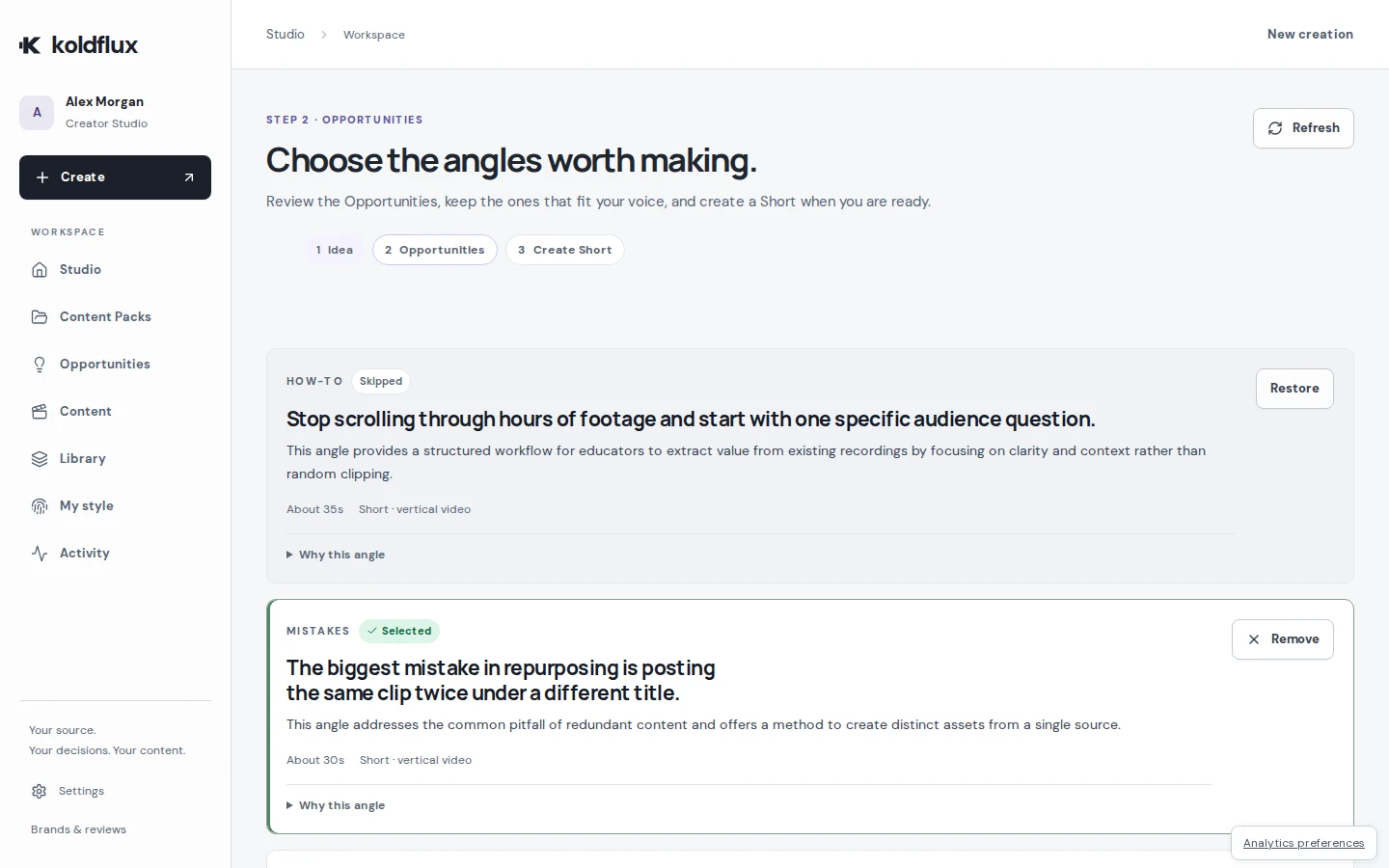
Koldflux Studio (paid, from $19/month) transcribes your upload on our servers with Whisper large-v3-turbo, then turns one recording into Shorts and carousel posts you review, approve and export. It does not publish or schedule for you.
- 1 · Recording, idea or script
- 2 · Pick the angles
- 3 · Review and approve
- 4 · Export Shorts and carousels