Instagram fonts
Styles that paste into your Instagram name, bio and captions, and where they will not work.
More styles (18)
Your text never leaves your browser. Copy works on phones and desktops.
To use a different font on Instagram, type your text above, copy a style and paste it into your name, bio or caption. Instagram has no font menu there, but it shows these Unicode letters as they are. Your username is different: it only accepts letters, numbers, underscores and periods, so styles will not save there.
Checked by Koldflux · updated 2026-09-24
What Instagram accepts
Styled letters work in names, bios, captions and comments. Fields with character rules reject them:
| Field | Rule |
|---|---|
| Username | Usernames can only use letters, numbers, underscores and periods (the message Instagram shows when a username is rejected). |
Copy the alphabet
Select and copy single letters from this table if you prefer to build a name letter by letter.
| Style | Capitals | Lowercase | Digits |
|---|---|---|---|
| Bold (sans-serif) | 𝗔𝗕𝗖𝗗𝗘𝗙𝗚𝗛𝗜𝗝𝗞𝗟𝗠𝗡𝗢𝗣𝗤𝗥𝗦𝗧𝗨𝗩𝗪𝗫𝗬𝗭 | 𝗮𝗯𝗰𝗱𝗲𝗳𝗴𝗵𝗶𝗷𝗸𝗹𝗺𝗻𝗼𝗽𝗾𝗿𝘀𝘁𝘂𝘃𝘄𝘅𝘆𝘇 | 𝟬𝟭𝟮𝟯𝟰𝟱𝟲𝟳𝟴𝟵 |
| Cursive (script) | 𝒜ℬ𝒞𝒟ℰℱ𝒢ℋℐ𝒥𝒦ℒℳ𝒩𝒪𝒫𝒬ℛ𝒮𝒯𝒰𝒱𝒲𝒳𝒴𝒵 | 𝒶𝒷𝒸𝒹ℯ𝒻ℊ𝒽𝒾𝒿𝓀𝓁𝓂𝓃ℴ𝓅𝓆𝓇𝓈𝓉𝓊𝓋𝓌𝓍𝓎𝓏 | plain digits |
| Bold cursive | 𝓐𝓑𝓒𝓓𝓔𝓕𝓖𝓗𝓘𝓙𝓚𝓛𝓜𝓝𝓞𝓟𝓠𝓡𝓢𝓣𝓤𝓥𝓦𝓧𝓨𝓩 | 𝓪𝓫𝓬𝓭𝓮𝓯𝓰𝓱𝓲𝓳𝓴𝓵𝓶𝓷𝓸𝓹𝓺𝓻𝓼𝓽𝓾𝓿𝔀𝔁𝔂𝔃 | plain digits |
| Gothic (fraktur) | 𝔄𝔅ℭ𝔇𝔈𝔉𝔊ℌℑ𝔍𝔎𝔏𝔐𝔑𝔒𝔓𝔔ℜ𝔖𝔗𝔘𝔙𝔚𝔛𝔜ℨ | 𝔞𝔟𝔠𝔡𝔢𝔣𝔤𝔥𝔦𝔧𝔨𝔩𝔪𝔫𝔬𝔭𝔮𝔯𝔰𝔱𝔲𝔳𝔴𝔵𝔶𝔷 | plain digits |
| Small caps | ᴀʙᴄᴅᴇꜰɢʜɪᴊᴋʟᴍɴᴏᴘǫʀꜱᴛᴜᴠᴡxʏᴢ | ᴀʙᴄᴅᴇꜰɢʜɪᴊᴋʟᴍɴᴏᴘǫʀꜱᴛᴜᴠᴡxʏᴢ | plain digits |
| Aesthetic (fullwidth) | ABCDEFGHIJKLMNOPQRSTUVWXYZ | abcdefghijklmnopqrstuvwxyz | 0123456789 |
Where each field accepts fancy text
Name, bio, captions, comments and story text fields keep Unicode styles. The username field rejects them. People searching for you usually type plain letters, so keep the searchable part of your name plain and decorate the rest.
How to use it
- Type your textEnter a name, bio line or caption in the box.
- Copy a stylePress Copy next to the style you like. On phones, long-press the result if copy is blocked.
- Paste itPaste it into your Instagram name, bio or caption. Keep usernames and handles plain.
Limits and when to use something else
- Usernames, handles and @mentions accept plain letters only; put styled text in display names, bios and captions.
- Older phones and some apps lack fonts for rarer styles and show empty boxes instead.
- Most styled letters are stored as two units each, so apps that count characters may count them double toward a length limit.
- Screen readers may spell styled letters out, and search may not match them. Keep important words in plain text.
- Some apps strip combining marks, which removes strikethrough, underline and Zalgo effects.
Frequently asked questions
Why does my Instagram username reject the font?
Instagram usernames can only use letters, numbers, underscores and periods. Put the styled version in your name field instead, which also appears on your profile.
Is this a real font?
No. Each style swaps your letters for other Unicode characters that already look bold, cursive or gothic, so the style survives copy and paste into apps that do not let you choose a font.
Why do some letters show as boxes?
The device reading the text has no font that draws that character. Bold, italic and cursive work on current iPhones, Android phones, Windows and macOS; rarer styles such as squared or upside-down letters are more likely to break on older systems.
Is fancy text accessible?
Not fully. Screen readers may spell these characters out or skip them, and search inside apps may not match them. Keep names, links and important information in plain text and use styles for decoration.
Turn one idea into a week of posts
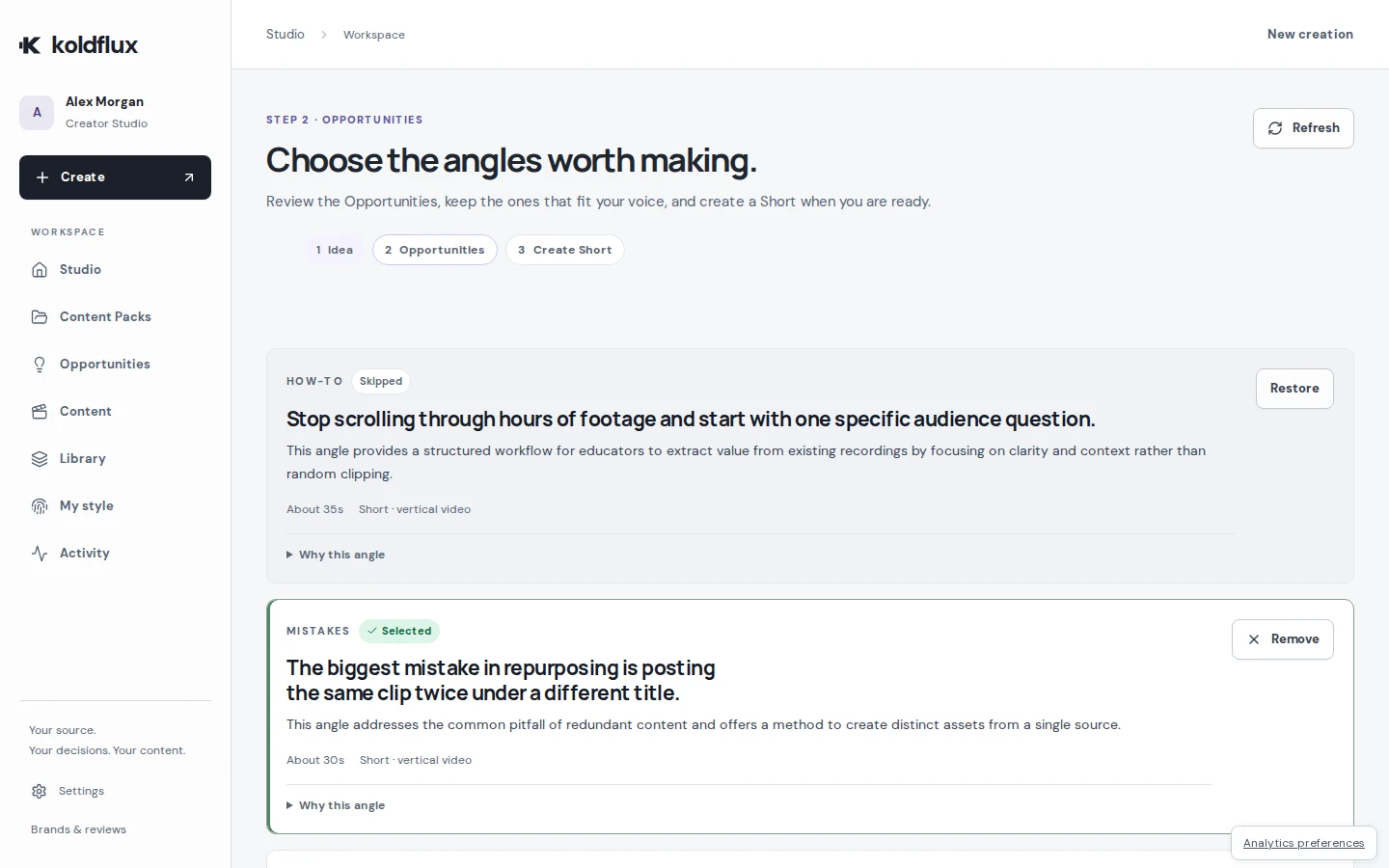
Koldflux Studio turns one recording, idea or script into Shorts with captions and carousel posts you review and approve before export.
- 1 · Recording, idea or script
- 2 · Pick the angles
- 3 · Review and approve
- 4 · Export Shorts and carousels